Open source
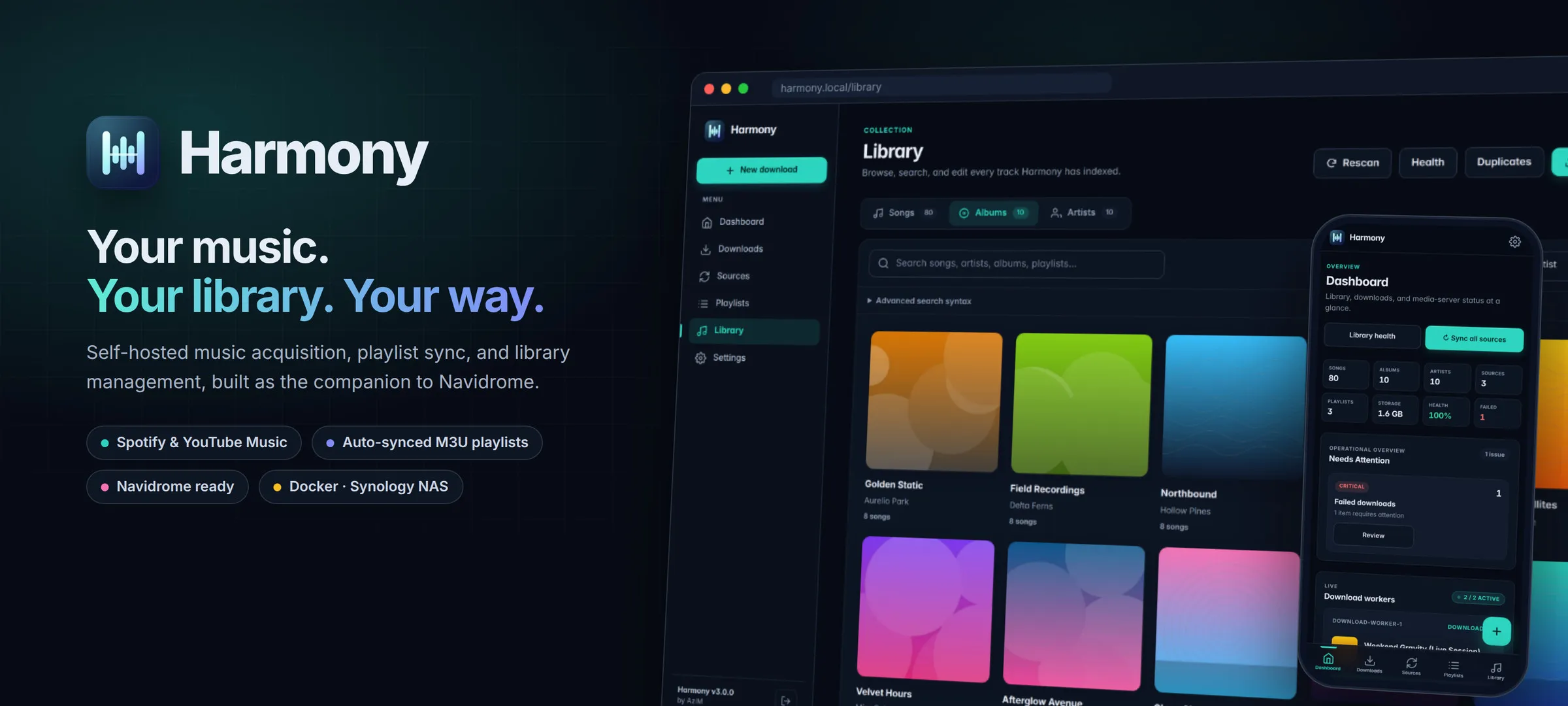
Harmony
A self-hosted music manager that syncs your playlists, downloads only the songs you're missing and keeps a clean library for Navidrome.
- Runs on
- Any Docker host · Synology NAS
- Built with
- Python · FastAPI · SQLite
- Built for
- Navidrome · any M3U-aware server
- License
- MIT
- Latest release
- v3.1.0 · 4 Oct 2026
What it is
Harmony bridges streaming playlists and a music library you own. You follow playlists in Spotify or YouTube Music, and Harmony downloads only the songs that aren’t already in your library, files them into clean Artist/Album folders, and exports playlists that Navidrome (or Jellyfin, Plex, Kodi, VLC) can read. The same song can sit in dozens of playlists and is still downloaded once.
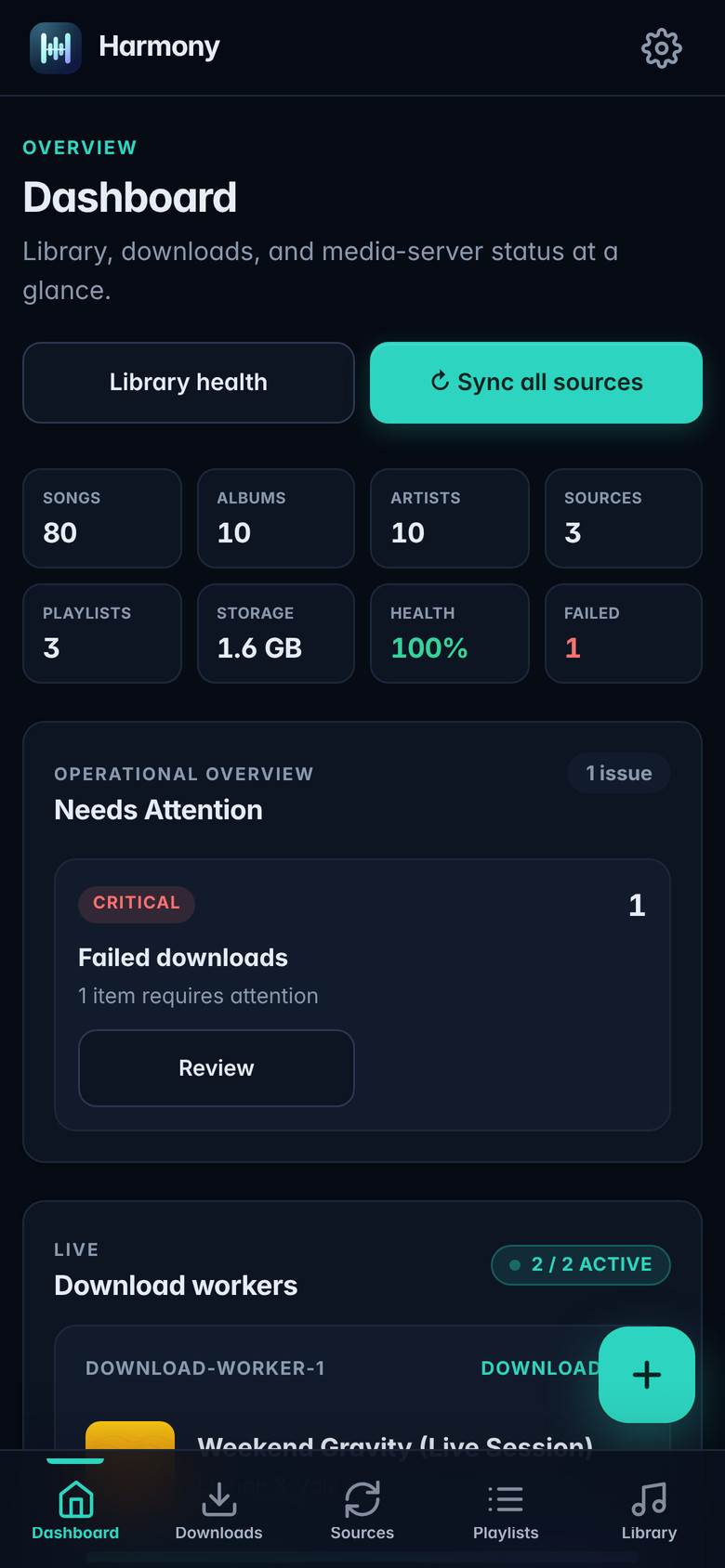
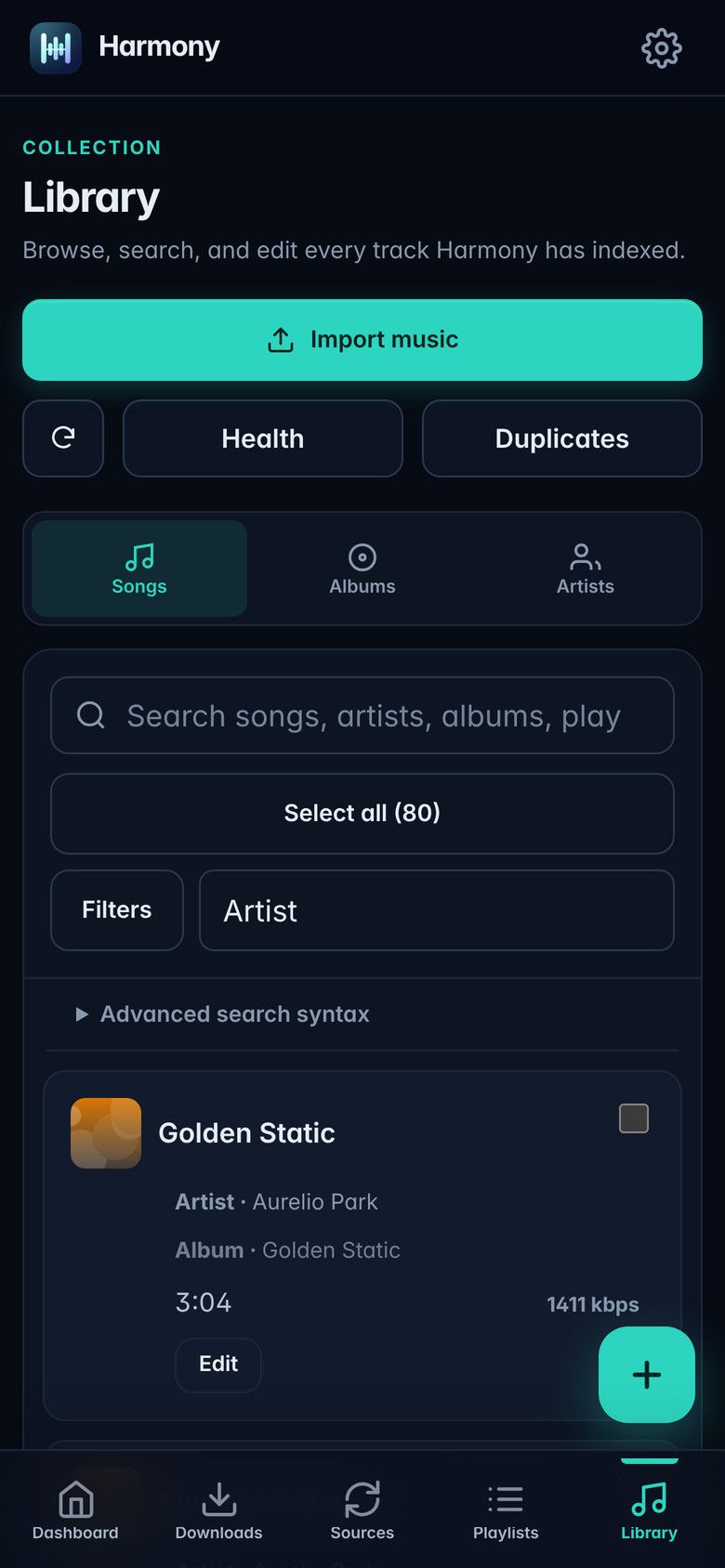
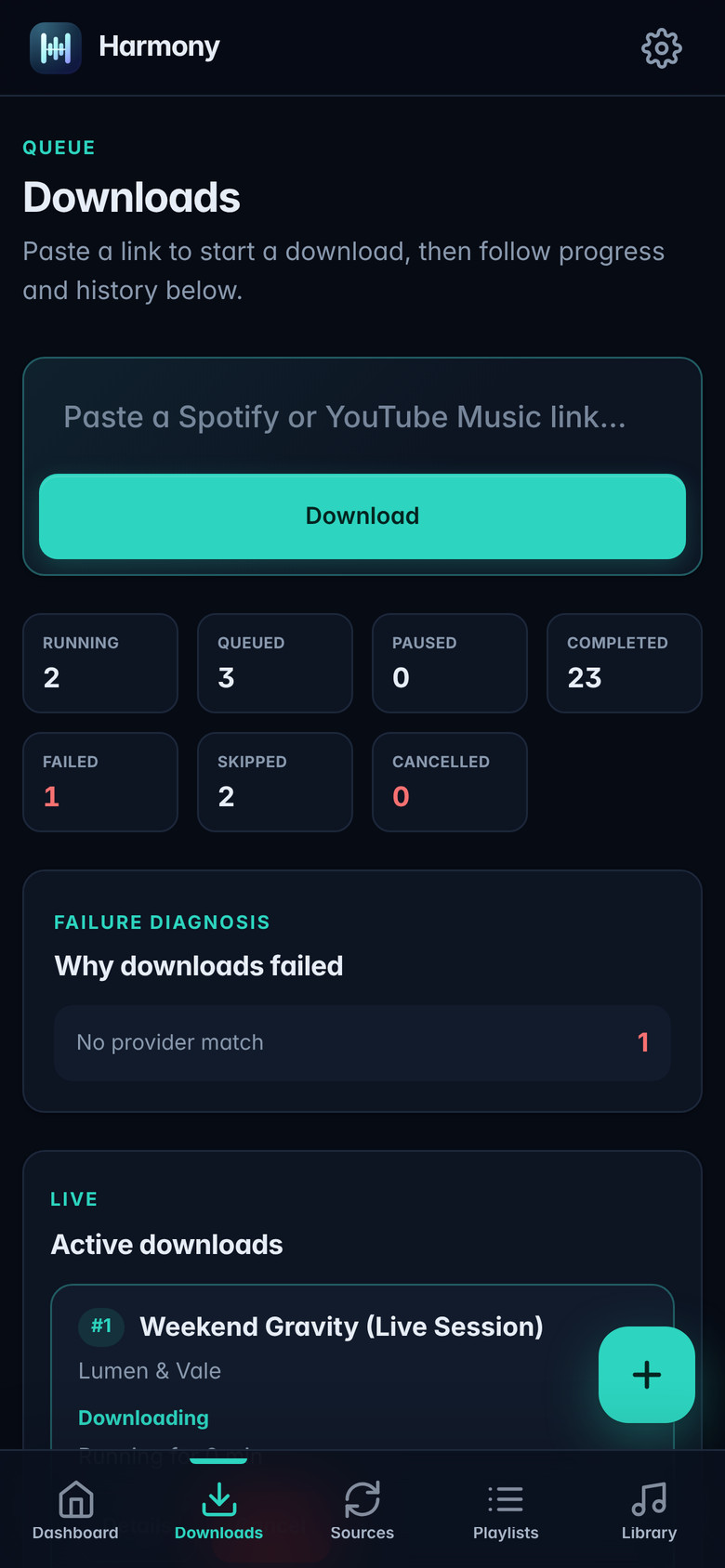
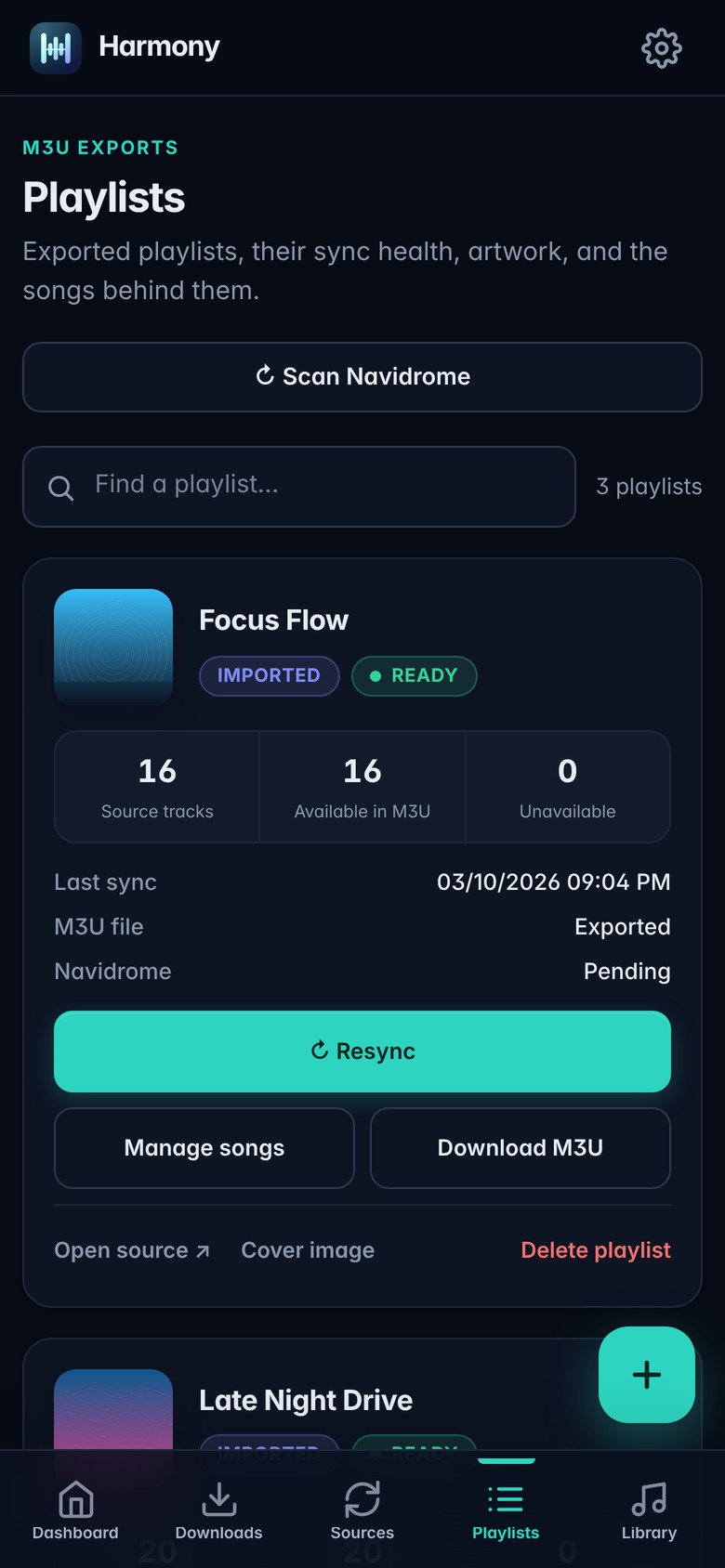
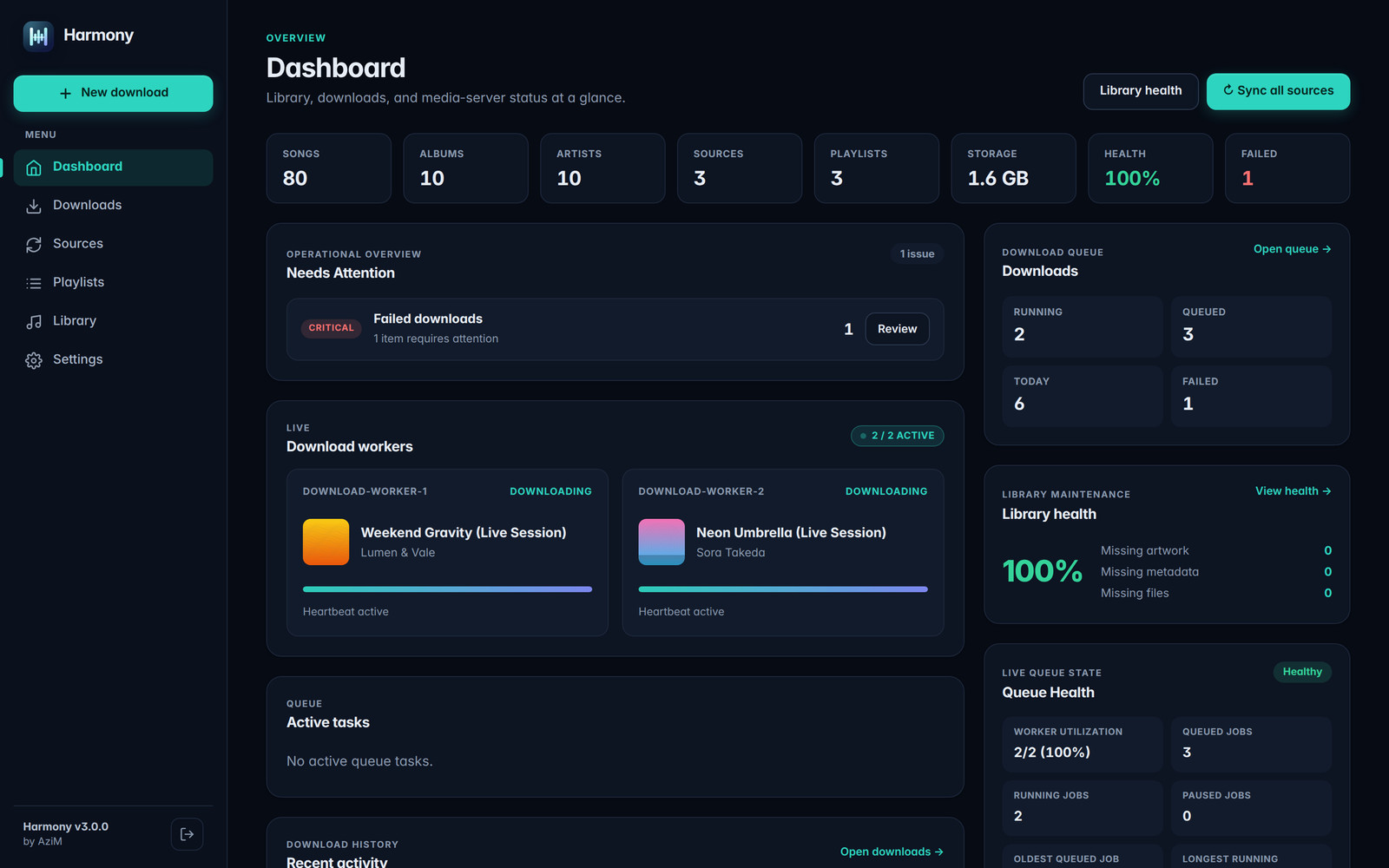
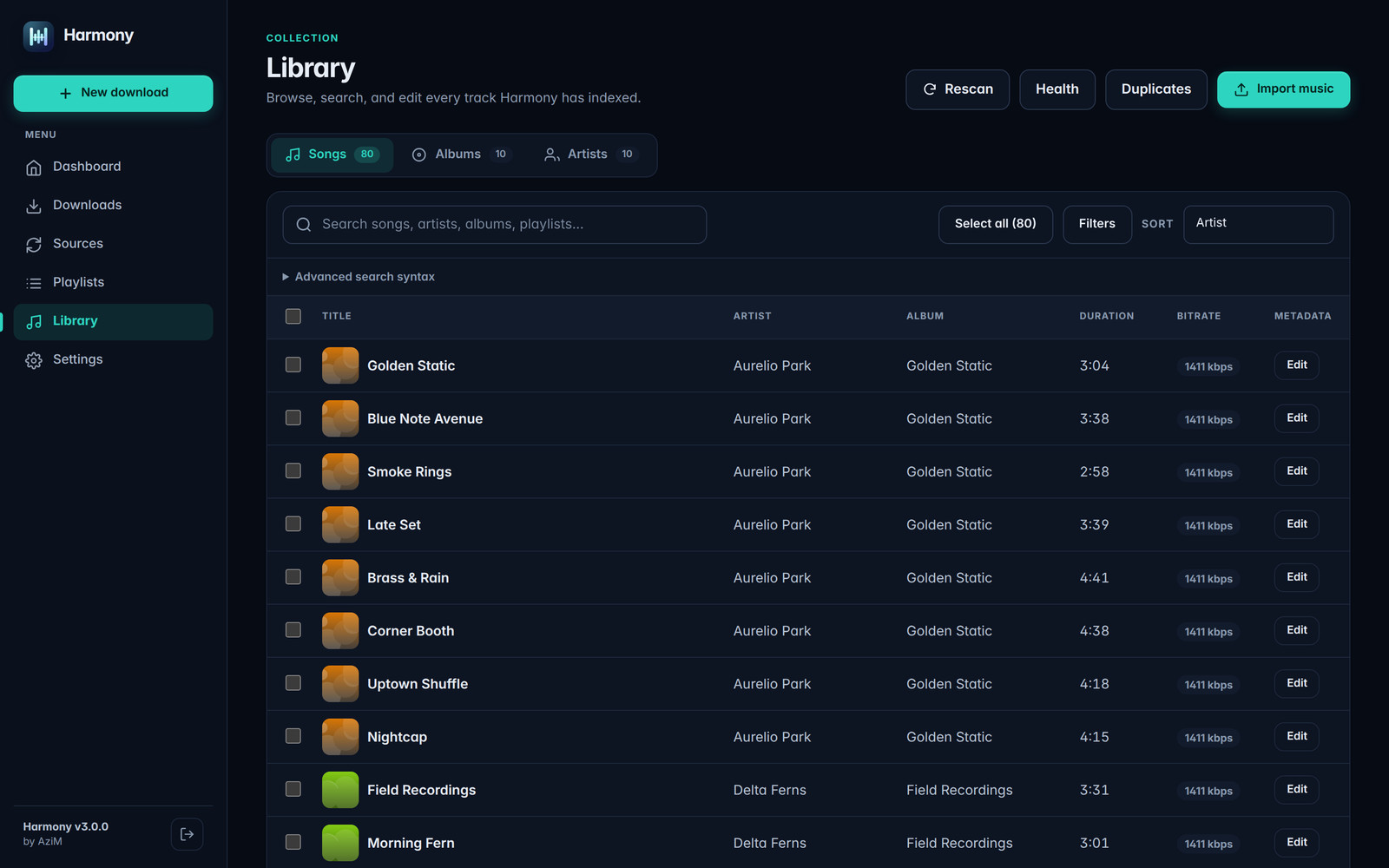
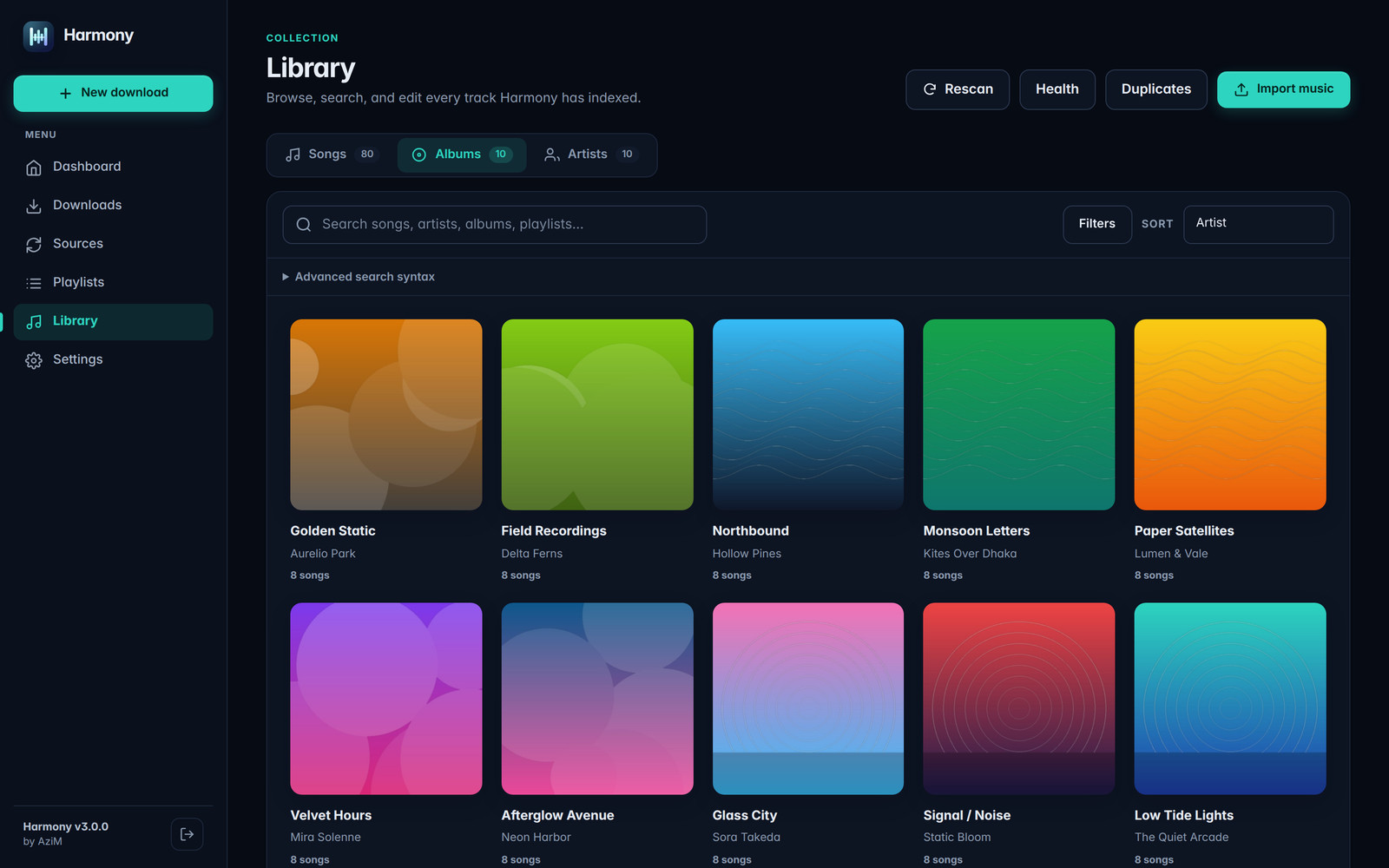
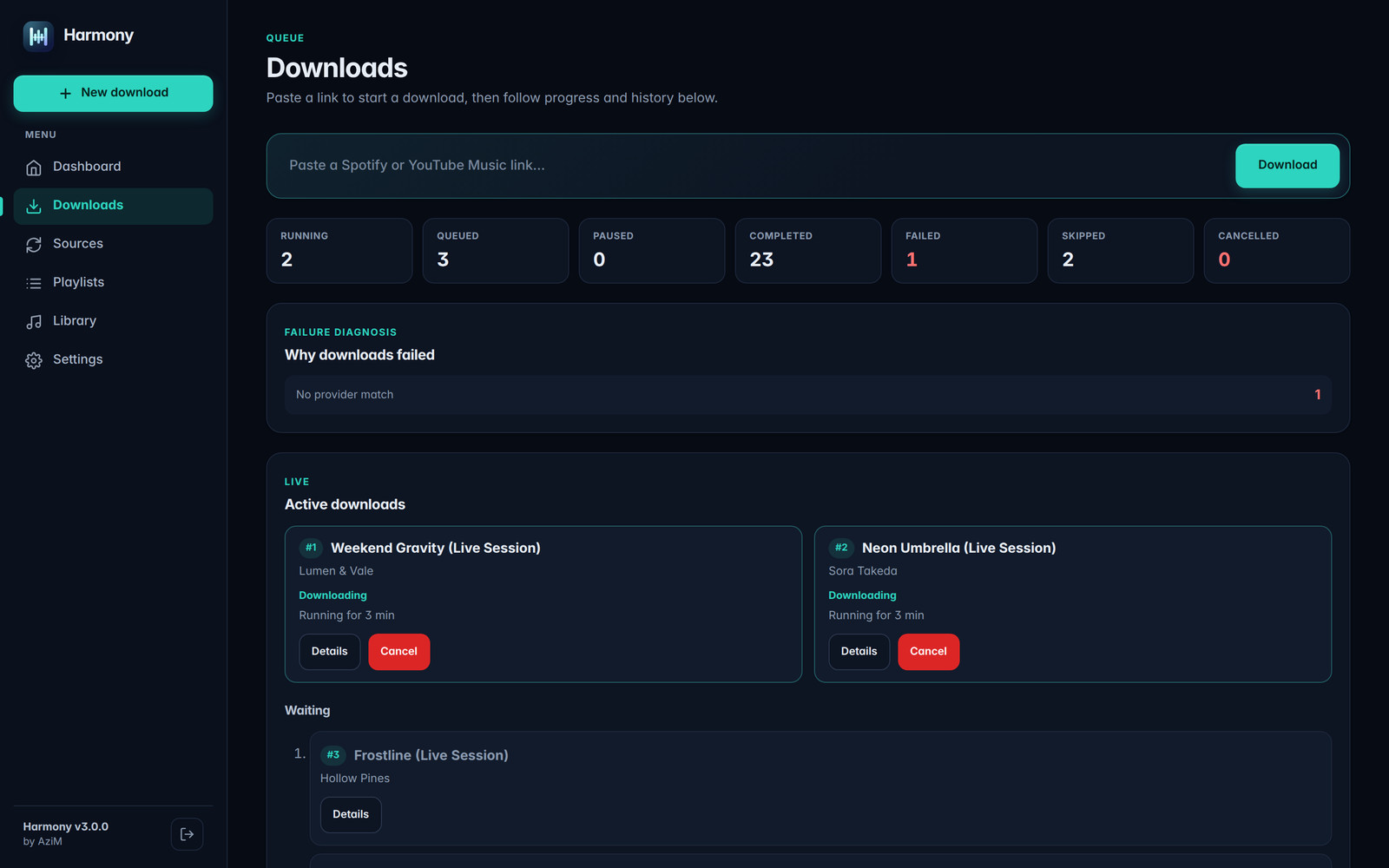
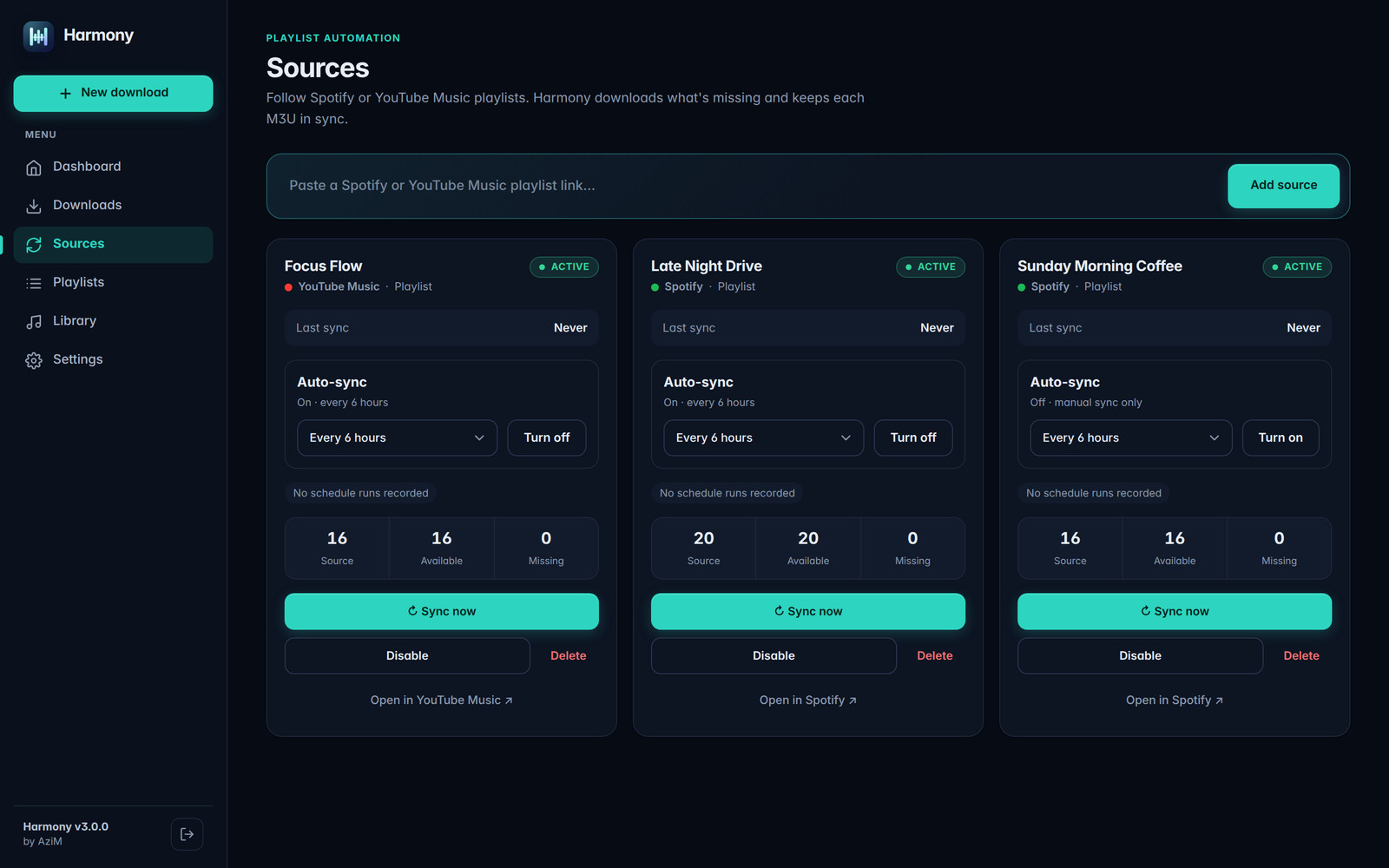
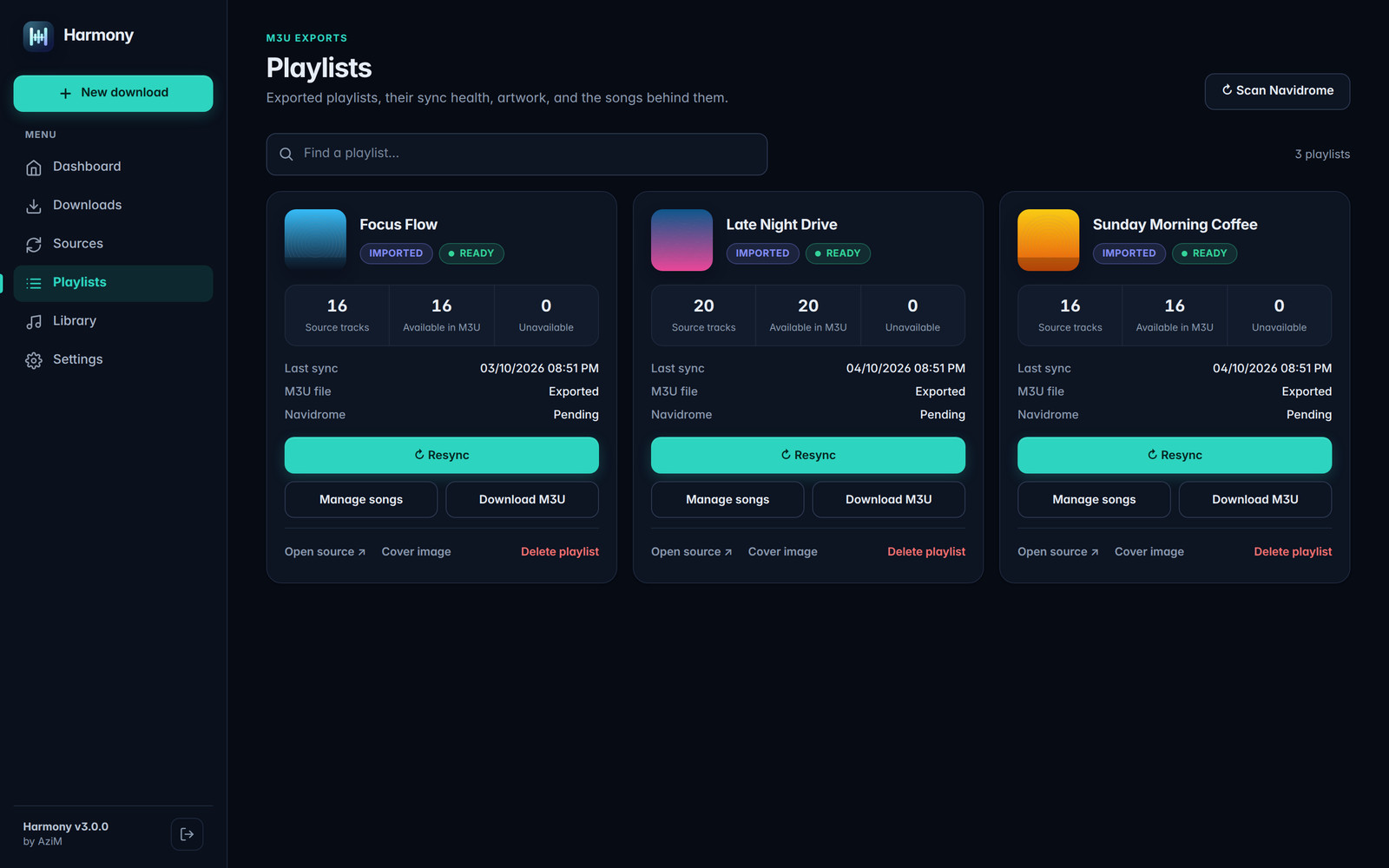
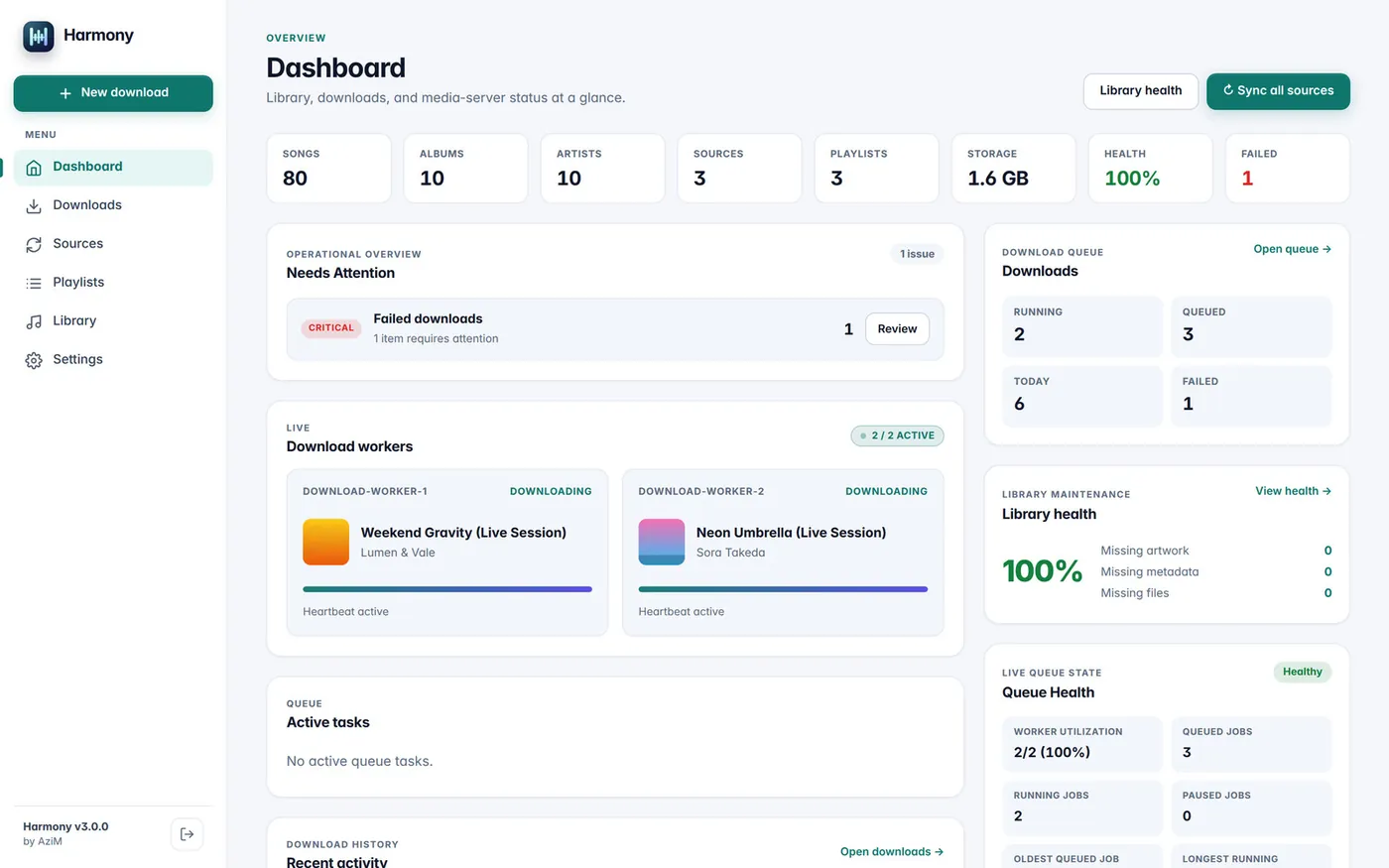
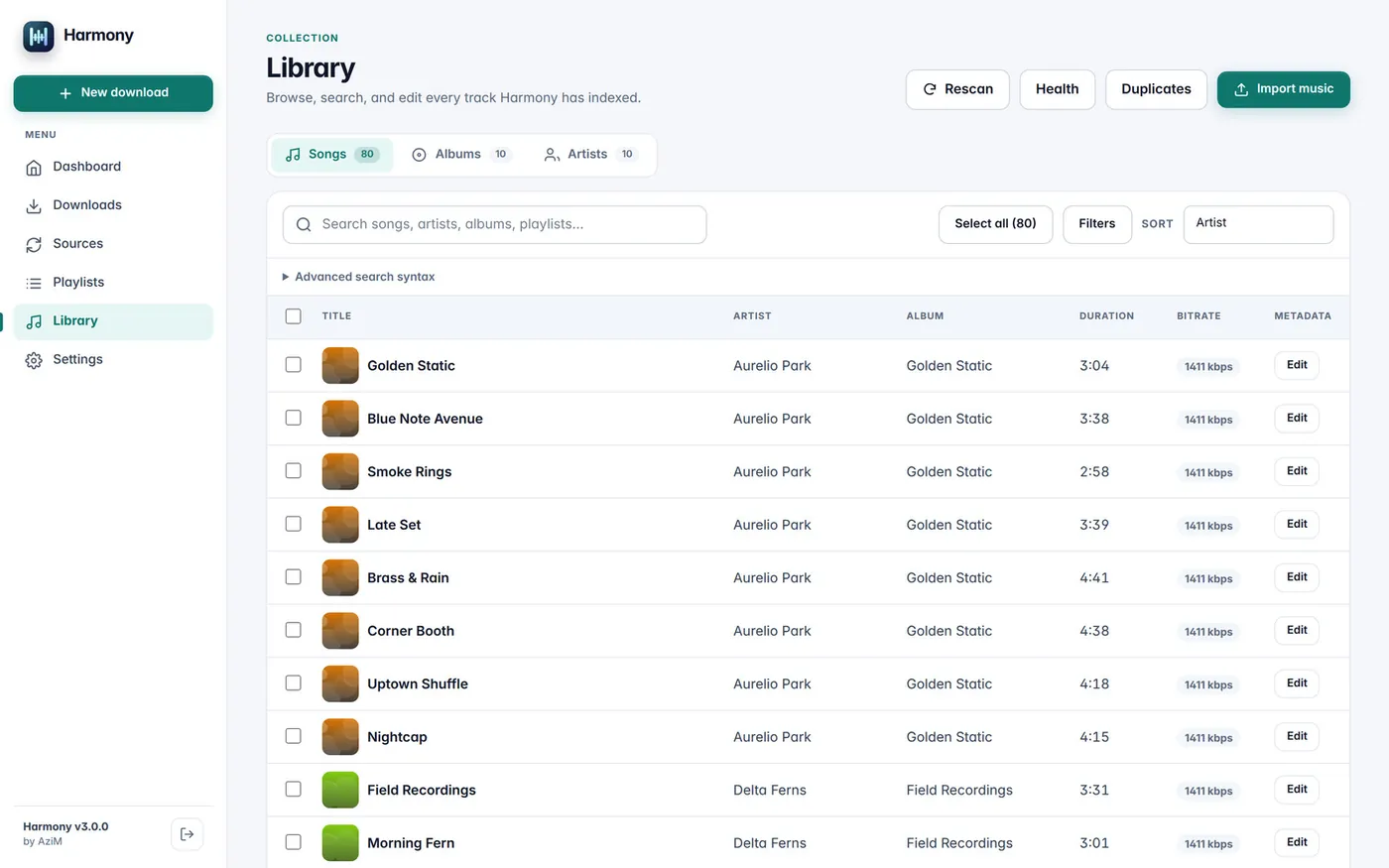
It runs as one Docker container with a single SQLite file and no external services, behind a responsive web interface that works on a desktop, a phone, or as an installed web app. No cloud account is needed, and Spotify API credentials are optional. I run it on a Synology NAS. The screenshots use a demo library of fictional artists.
It now has its own website at harmony.azimulkabir.com, with a tour, an install guide and an FAQ.
What it does
- Exact-match downloads. Each file’s artist, title, version and duration are checked before import. Live, remix, sped-up and cover substitutes are rejected, and a song that can’t be found stays marked as unavailable rather than being quietly replaced.
- Playlist auto-sync. Saves Spotify and public YouTube Music playlists as sources, keeps their order, and re-syncs them on a schedule from hourly to weekly, fetching only new songs.
- Built for Navidrome. Clean folders and order-preserving M3U playlists, with a Navidrome rescan after every change.
- Instant library search. Search titles, artists, albums, genres, ISRCs and MusicBrainz IDs, and sort or filter by bitrate, year, codec or missing artwork.
- Metadata and artwork. Fix tags by hand or pull them from MusicBrainz, with covers from the Cover Art Archive. Every change is previewed before it’s saved.
- Import your own music. Upload MP3, FLAC, M4A, Ogg or Opus files. Harmony groups them by album, flags gaps and conflicts, and never overwrites a file it already has.
- Health and backups. Finds missing files, artwork or tags and resolves duplicates only after a preview. One click downloads a backup of the library index, sources, playlists, history, settings and artwork, and another restores it on a new machine.
- Works on your phone. One responsive app with bottom navigation on mobile, light and dark themes, and live download progress.
How it’s built
The backend is Python 3.12 with FastAPI, SQLAlchemy 2 and Alembic, using SpotDL and yt-dlp to fetch audio, Mutagen for tags and Watchdog to follow changes on disk. The library index lives in SQLite (WAL mode) with FTS5 for search, so browsing never walks the filesystem. The frontend is plain HTML, CSS and JavaScript, with Server-Sent Events for live download progress.
Downloads go through a pipeline: fetch metadata, update the playlist database, queue missing songs, download each one to an isolated temporary folder, validate its identity, then import it into the library and rebuild the playlists.
Installing takes three commands with Docker Compose, and a prebuilt linux/amd64 image is published to the GitHub
Container Registry. On ARM hosts and Apple Silicon Macs it builds locally.
Screenshots
Desktop
Mobile